

Quick access options
On any page in our documentation, you’ll find a contextual menu dropdown in the top right corner: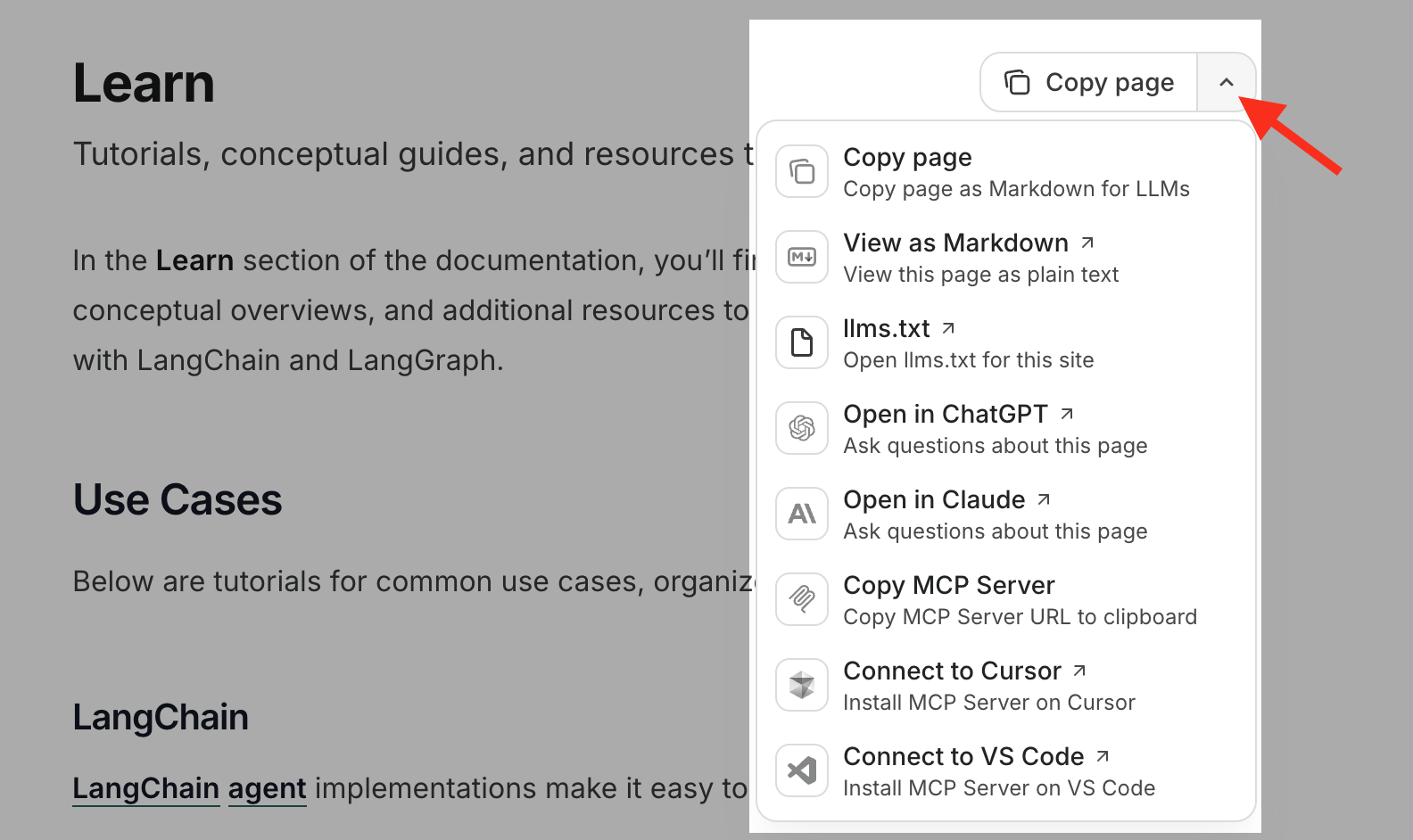
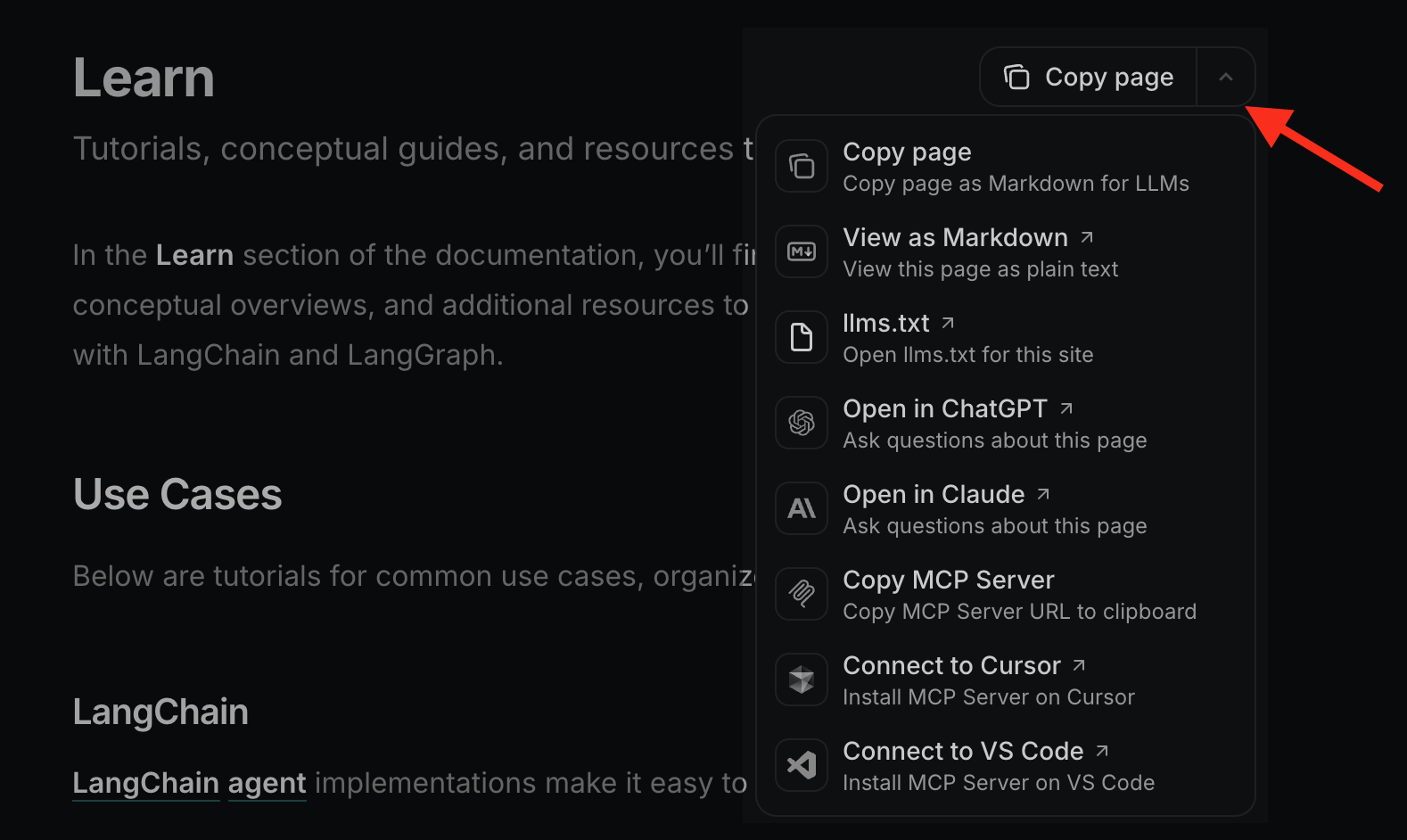
llms.txt, MCP server connection, and other quick access options such as ChatGPT and Claude.
Use our MCP server
Our documentation includes a built-in Model Context Protocol (MCP) server that lets AI applications query the latest docs in real-time. The LangChain docs MCP server is available at:Connect with Claude Code
If you’re using Claude Code, run this command in your terminal to add the server to your current project:Project (local) scopedThe command above adds the MCP server only to your current project/working directory. To add the MCP server globally and access it in all projects, add the user scope by adding
--scope user to the command:Connect with Claude Desktop
- Open Claude Desktop
- Go to Settings > Connectors
- Add our MCP server URL:
https://docs.langchain.com/mcp